Sky Vegas Payment Limits and Fees for Irish Accounts
Direct answer: Sky publishes no operator deposit fee, no Pay by Bank fee and no Pay by Bank deposit minimum. Card and Apple Pay minimums are shown in the cashier; Pay by Bank limits depend on the linked bank, and personal deposit controls can be lower than provider limits.
Verified snapshot
Deposit, withdrawal and account facts
| Operator deposit fee | None |
|---|---|
| Pay by Bank fee | None |
| Bank or card fee | Provider can apply its own cash, overdraft or other charge |
| Pay by Bank deposit minimum | None stated |
| Card and Apple Pay minimum | Displayed in the cashier |
| Pay by Bank maximum | Depends on the linked bank and account controls |
| Debit-card registrations | Up to three cards |
| Pay by Bank associations | Up to three bank associations |
| Deposit controls | Daily, weekly or monthly; the lowest active limit applies |
The live Irish EUR cashier is the final check for account-specific limits and availability. This page does not convert UK values or guess unpublished euro figures.
Step by step
How to complete the payment route
- 1Open My Account
- 2Review Deposit Controls and the remaining amount
- 3Open Payments and Deposit
- 4Select the intended method
- 5Read the displayed EUR minimum, maximum and fee message
- 6Enter an affordable amount and confirm once
Payment check 01
The three limits behind one deposit
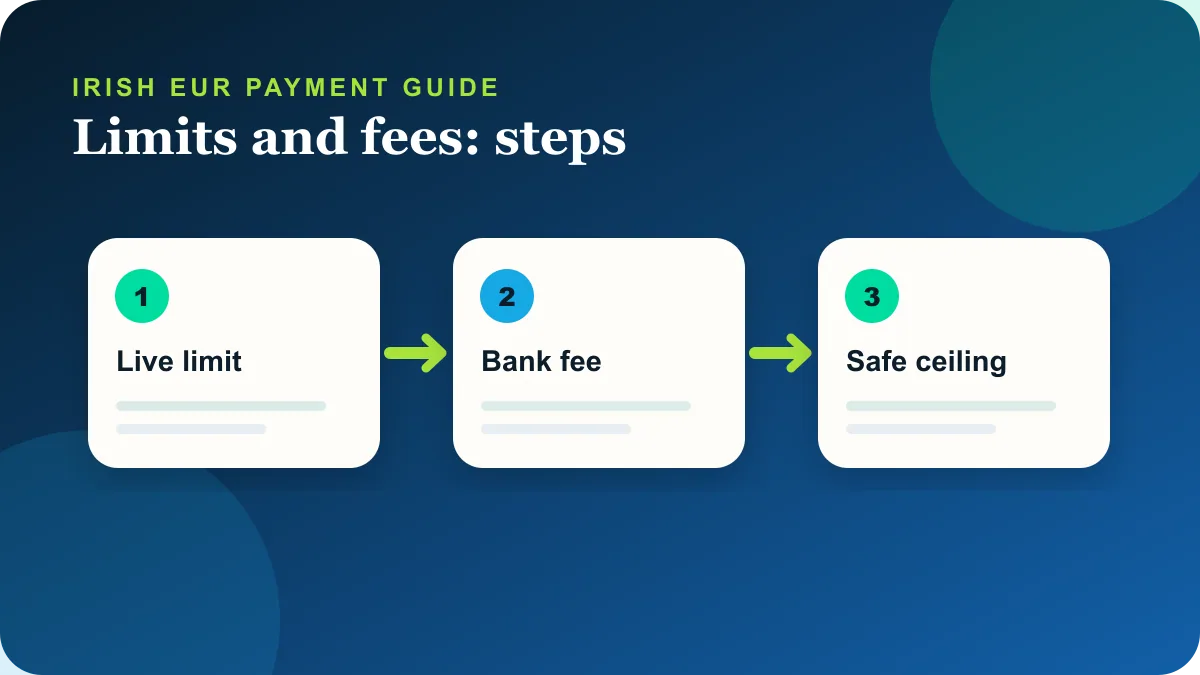
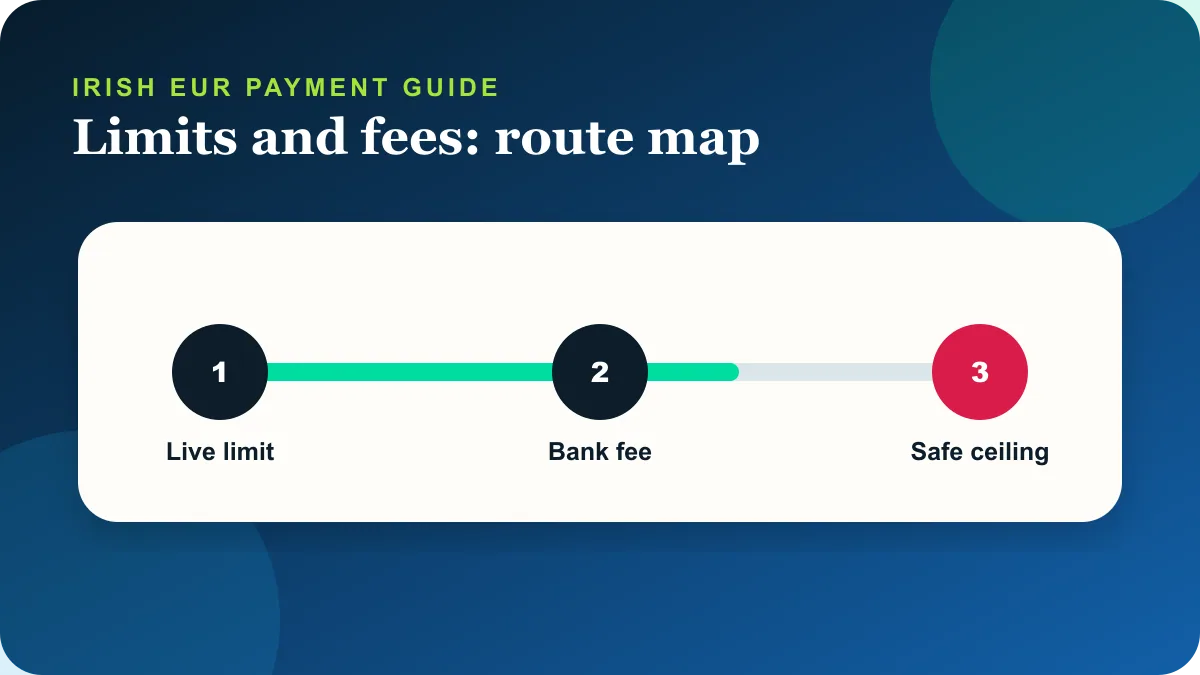
Three different ceilings can affect a transaction: the method limit, the customer’s own deposit control and a limit set by the operator. A generic maximum copied from another account is not a reliable Irish EUR value. The useful decision is therefore not whether the method exists in the abstract, but whether the Irish EUR cashier presents the exact route and status described here.
The terms say Sky does not charge deposits, while banks can apply cash-classification, overdraft or other provider charges. This public evidence sets a baseline, while the signed-in screen supplies the account-specific minimum, maximum and availability. The page deliberately avoids converting sterling examples into invented euro limits.
This page is for a customer comparing the displayed EUR amount with a bank limit or an account control before confirming. Read the status first, then choose the next action once. Multiple rapid attempts can create duplicate pending entries or prompt a provider review without resolving the original cause.
Payment check 02
Check the amount before confirming
Enter an amount only after checking the cashier minimum and the remaining account control shown in My Account. The route begins in My Account, then Payments, then Deposit. A stored method must still be current, owned by the account holder and accepted for the EUR account.
Pay by Bank publishes no minimum deposit, while debit card and Apple Pay show an error if the entered amount is below their current account minimum. Each step below represents one interface action rather than a promise about the provider’s result. The final confirmation screen is the point at which the account reports success, failure or a pending state.
Before confirming, compare the amount with the personal deposit control visible in the account. A lower account control takes precedence over a payment-provider limit. If a method is unavailable, do not work around the restriction with another person’s payment details.
Payment check 03
Why an amount is rejected
A declined amount can be below a method minimum, above a provider ceiling or above the lowest active account control. Start by separating a provider refusal, an account restriction and a payment that has been authorised but not yet reflected. Those states look similar to the customer but require different actions.
Do not split transactions to bypass a personal or operator-set control. Repeating the same payment before checking its status can make the transaction history harder to read. Use My Transactions, the bank or wallet record and the on-screen message together.
The troubleshooting table pairs each common symptom with a specific next step. It is not a substitute for the account message. If the message names verification, a safer-gambling control or a particular method, follow that route rather than choosing a generic support category.
Payment check 04
Fees across bank, card and wallet routes
Pay by Bank supplies the clearest public fee statement; card-provider charges remain outside Sky’s control. The comparison is limited to routes publicly named by Sky for deposits or withdrawals; removed methods such as PayPal and Google Pay are not presented as current alternatives.
Speed alone is not enough. Debit card and Apple Pay can be relevant to a deposit-led promotion, while Pay by Bank has its own Irish timing and eligibility rules. The best route is the one that is present, owned by the customer, compatible with the intended withdrawal and understood before confirmation.
Choose a method by the value displayed in the account, not a converted UK figure from an affiliate table. If an alternative is genuinely faster for the scenario, the table says so. A faster published rail does not bypass verification, Net Deposits or an account control.
Payment check 05
Withdrawal minimums and provider ceilings
Withdrawal minimums can differ between help pages and live account routes, so the displayed EUR value should be treated as decisive. A withdrawal option can depend on a previous deposit, the Net Deposits position and whether the receiving card or bank supports the relevant payment rail.
Provider maximums can require a large withdrawal to be split or handled through support, subject to document checks. The confirmation supplied after submission is more useful than a generic average because it identifies the selected route. Preserve that confirmation and allow the published window to pass before treating the transaction as missing.
If the original method cannot receive withdrawals, the operator points customers toward Pay by Bank where available. That alternative still has to appear in the account and may require an initial association or deposit before it becomes usable.
Payment check 06
Documents for a limit review
Requests to change certain operator-set limits can involve affordability documents, but a customer can always ask for a lower restriction. Irish proof-of-address review can require two accepted documents showing the full name and address. The operator lists a driving licence, a recent utility bill, a recent state letter, a recent insurance letter and a recent bank statement, subject to its upload rules.
Photo ID should be current and readable. Sky lists passports, driving licences, passport cards and national ID or residence permits; it says an Irish Age Card is not accepted for this purpose. Proof of address must be separate from the document used as proof of identity.
Document review is easiest to prepare before a time-sensitive withdrawal. File type, colour, date and matching personal details matter more than decorative scanning. Use the secure Document Uploader or the support route named by the operator, never an unverified email address found on a comparison page.
Payment check 07
Record the message, not an estimate
Save the displayed limit and fee message, especially when a bank and the cashier describe the same failed attempt differently. Record only what is needed to trace the transaction. A screenshot of the status and a transaction reference are more useful than a screenshot containing full payment credentials.
Operator help pages can change before an editorial page is rebuilt. The checked date on this page indicates when the source set was reviewed, not a guarantee that a limit or timing will remain fixed. The live cashier, withdrawal confirmation and current Help Centre take priority.
Set a personal limit from an affordable leisure budget before selecting the payment amount. Once the route is clear, use a single controlled transaction and wait for its stated result. If the result is uncertain, pause rather than increasing the amount or switching repeatedly between methods.
Payment check 08
Account rules that apply to every payment route
Payment availability is account-specific even when a method appears in the public help centre. The live cashier remains the decisive screen because it reflects the country, preferred currency, registered payment methods and any account control currently in force. A reader should stop if the live EUR account contradicts a dated guide; repeating a transaction is not a reliable way to solve an eligibility or authorisation problem.
Sky Betting & Gaming requires payment methods to belong to the named account holder. A partner’s card, a shared wallet or a bank account in another person’s name can trigger removal of the method, document requests or an account restriction. The practical check is simple: the personal details on the payment route should match the details used for the Sky account before any amount is entered.
New Republic of Ireland customers may have to complete identity and address verification before they can deposit, withdraw or play. Electronic checks can be enough, but manual review may require one accepted photo ID and two accepted Irish proof-of-address documents. Clear colour files, matching names and recent dates reduce avoidable back-and-forth; they do not guarantee an instant review.
The Net Deposits rule affects where money can be withdrawn. Deposits minus withdrawals are tracked for each registered route, and positive net deposits generally have to be returned to that route before extra funds can move elsewhere. This is why the fastest-looking withdrawal option is not always selectable. The withdrawal screen shows the relevant amount beside each method and should be read before submitting a request.
Keep a simple record of the attempt: method, EUR amount, date, time, on-screen status and any transaction reference. Do not publish or send a full card number, CVV, bank password or one-time code. If support asks for proof of card ownership, follow the secure instructions in the help centre and expose only the digits specifically requested there.
Promotion eligibility is a separate question from whether a deposit technically succeeds. Sky’s deposit guidance says a qualifying promotional deposit must be made by debit card or Apple Pay when the promotion requires a deposit. Pay by Bank can still be a supported funding method while not satisfying that particular promotional route. Always read the promotion attached to the account before choosing the payment method.
Troubleshooting
Common payment problems and the next useful action
| What you see | Likely explanation | Next action |
|---|---|---|
| Amount below minimum | The method requires the displayed account minimum | Use the displayed value; do not convert a sterling example |
| Amount above bank limit | The provider ceiling is lower | Reduce the amount within budget or ask the bank |
| Deposit control reached | The lowest account limit is active | Wait for its reset; do not split payments |
| Increase not active | A cooling-off and reconfirmation step remains | Check the Deposit Controls hub and log in again when instructed |
| Unexpected bank fee | The provider classified or charged the transaction | Ask the bank; Sky says it does not charge deposits |
Documents and checks
Evidence to prepare without exposing credentials
Keep the date, time, EUR amount, payment method, on-screen status and any transaction reference. If account verification is requested, use only the secure upload route and the accepted document list. Never send a bank password, CVV or one-time security code.
Alternatives
Compare the supported route before switching
| Route | Deposit | Withdrawal | Fee position | Promotion note |
|---|---|---|---|---|
| Pay by Bank | No public deposit minimum | No Sky Pay by Bank fee | Bank controls still apply | Not the stated promotional route |
| Debit card | Minimum shown in cashier | No Sky deposit fee; issuer can charge | Up to three registered cards | Promotion-eligible when required |
| Apple Pay | Minimum shown in cashier | Underlying card terms apply | Does not use a debit-card slot | Promotion-eligible when required |
Quick answers
Frequently asked questions
Does Sky charge a deposit fee?
Sky’s terms say it does not charge customers for making a deposit.
Can a bank still charge?
Yes. The terms say banks can apply cash-classification, overdraft or other banking charges.
What is the Pay by Bank minimum deposit?
The Pay by Bank help article says there is no minimum amount.
Why can I not deposit below my method limit?
The lowest active personal or operator-set control also applies.
Can a deposit limit be bypassed with another method?
No. Account controls apply across the account, not just one card.